
1
Create your cards
Build a card for your dietary needs. Add cards for yourself and the people you care for.


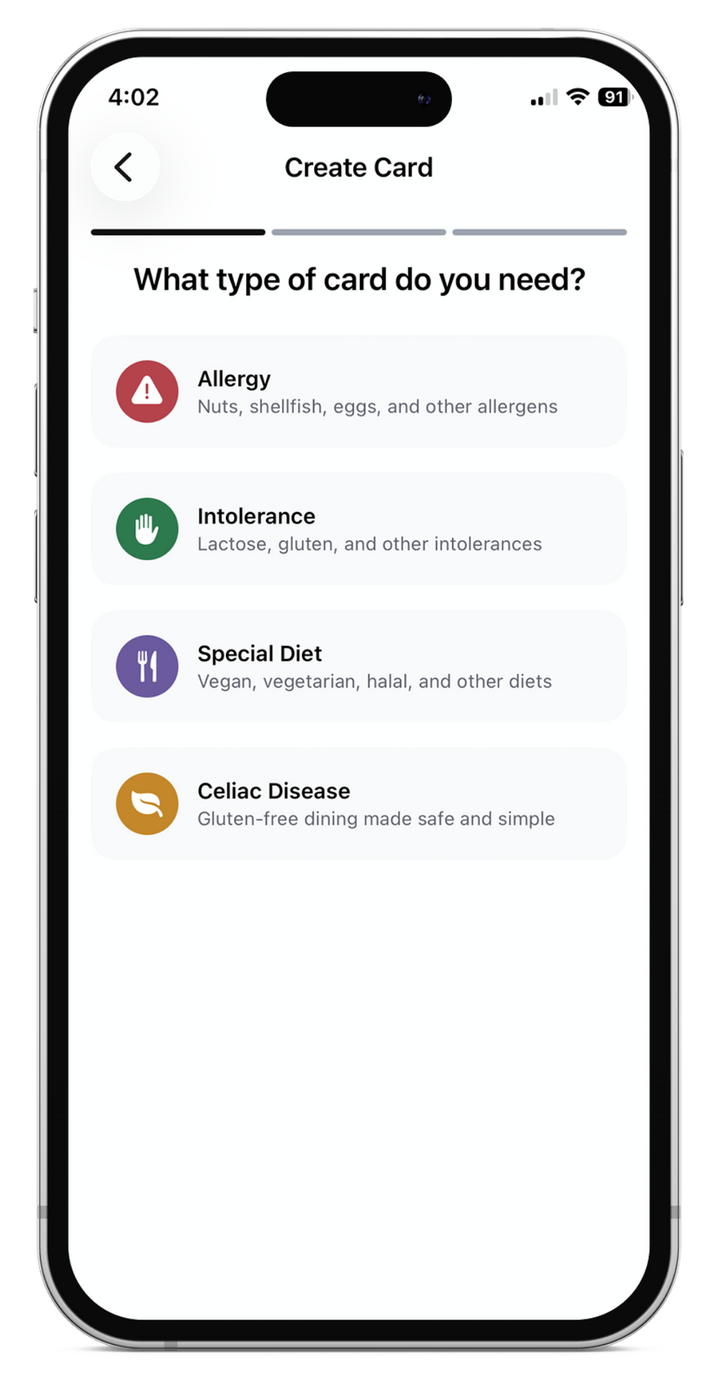
Be ready for dining around the globe. Create, save and share your dietary cards with the Equal Eats app.
Free to create and share cards in English. Paid language options are available in the app.
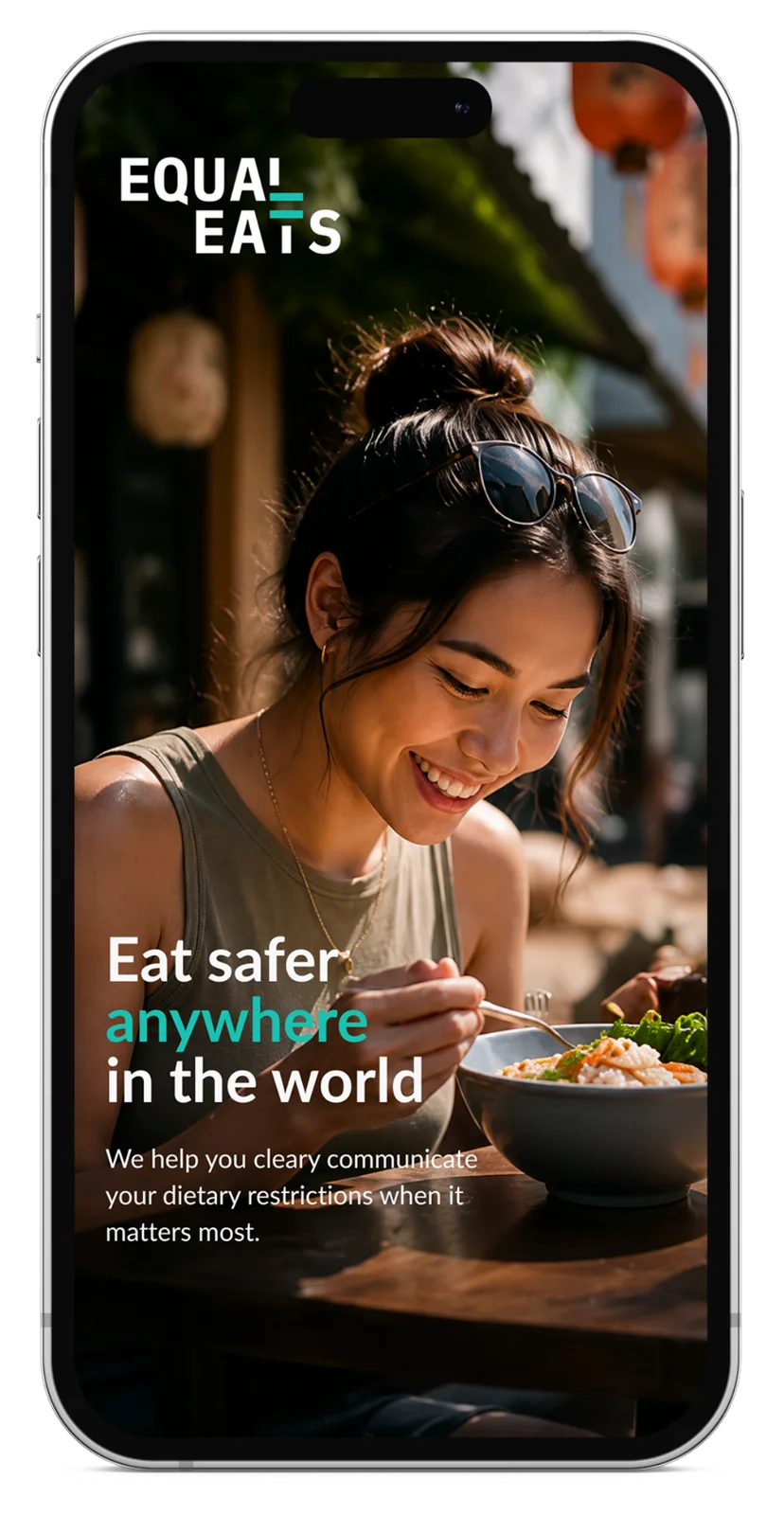
Build a card for your dietary needs. Add cards for yourself and the people you care for.
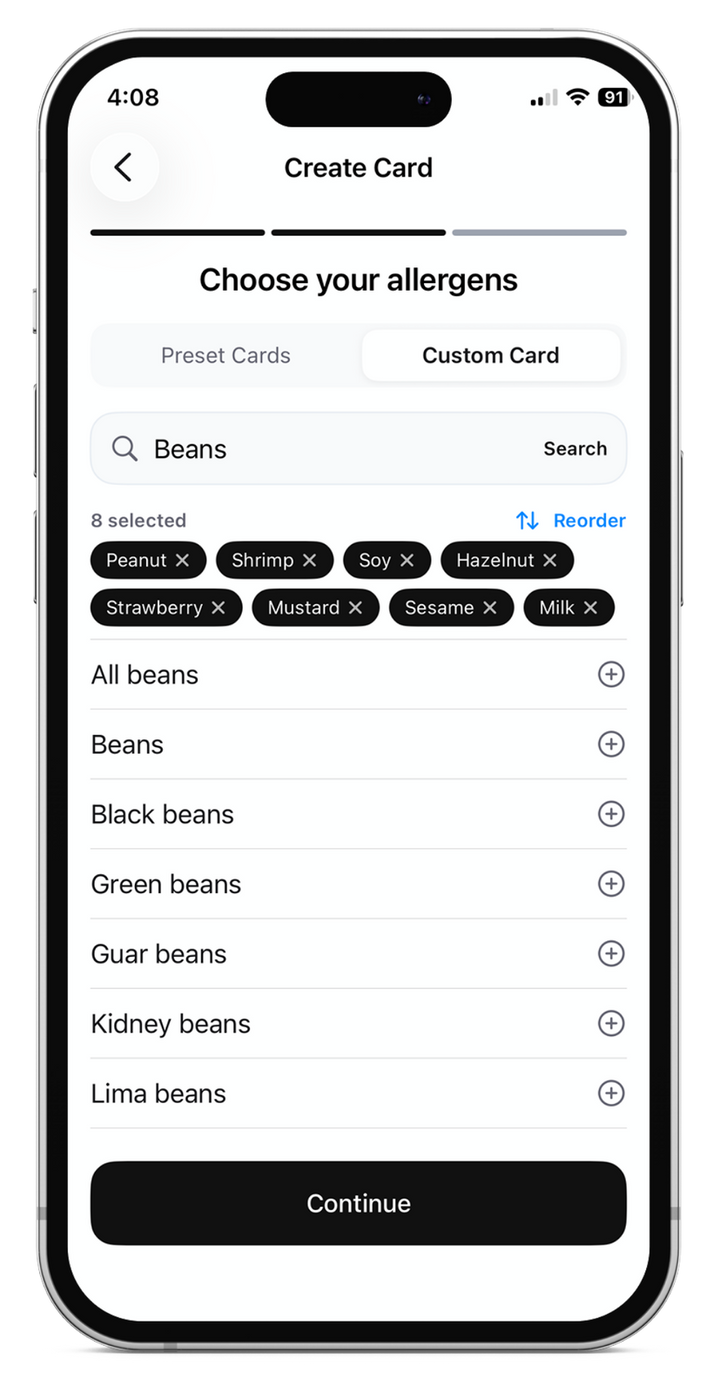
Create personalized cards for food allergies, intolerances, celiac disease and special diets.
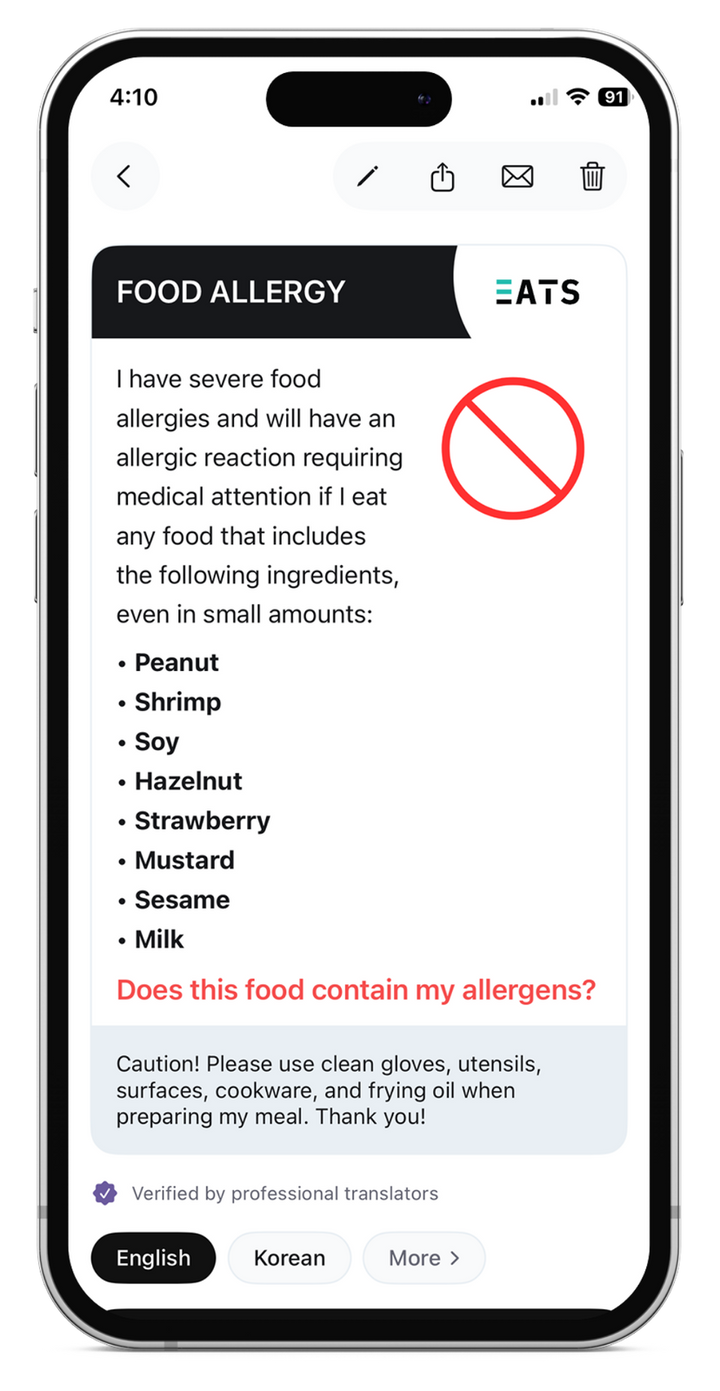
Show your card to restaurant staff and share it with others. Access saved cards even without an internet connection.
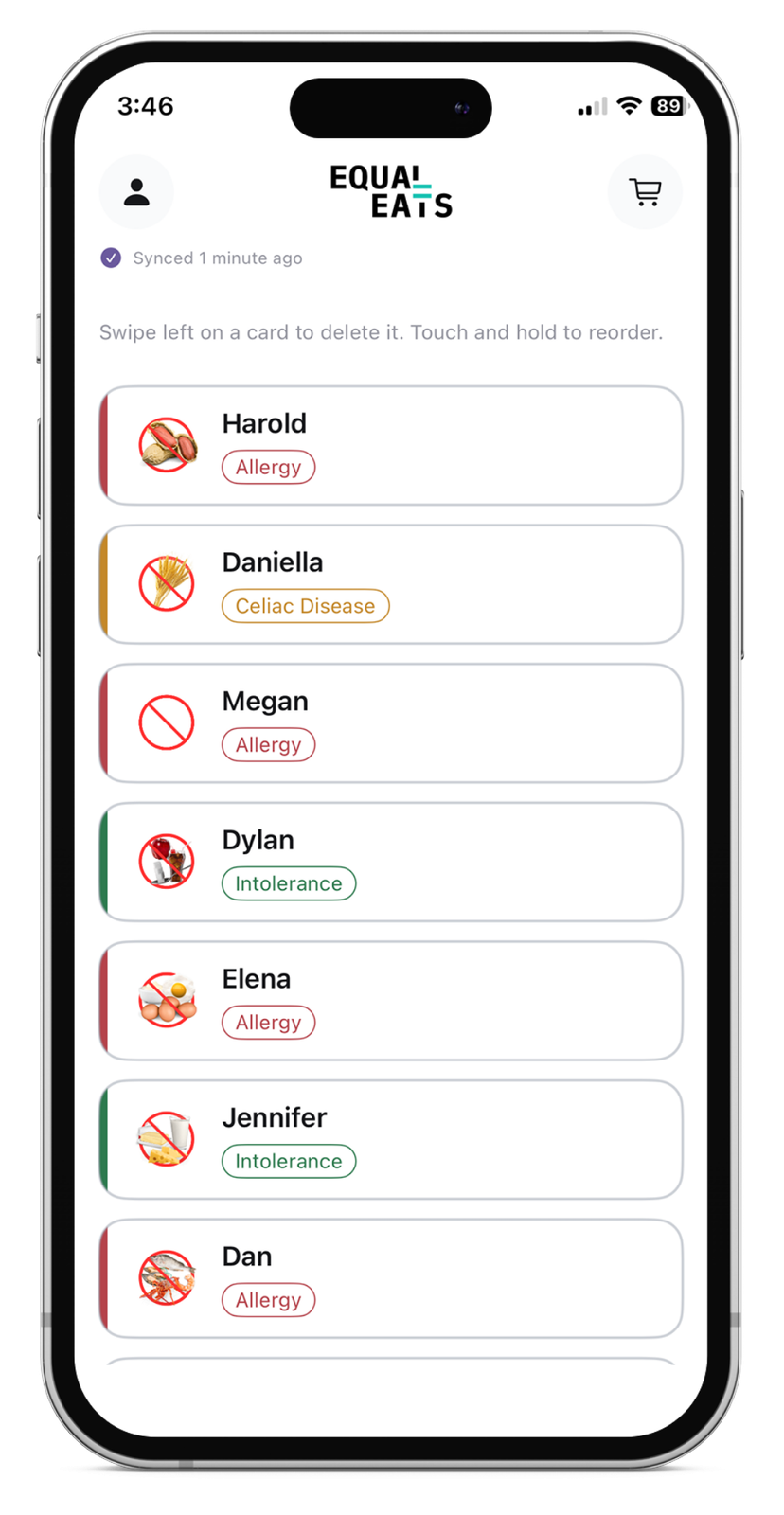
Keep cards for different people together in the app. Family Sharing is supported on iOS for eligible purchases.
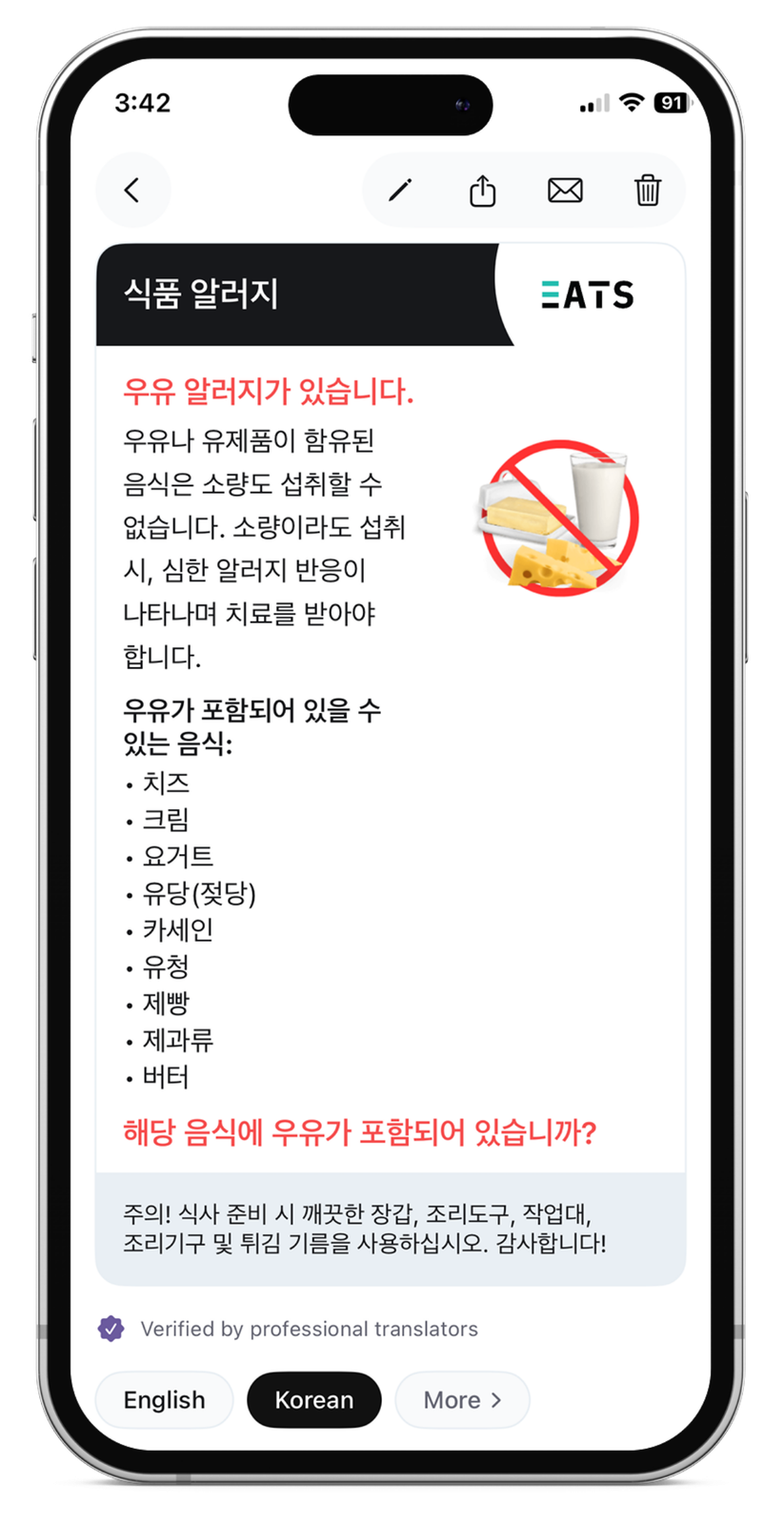
Choose from the languages available in the app with a paid language option. Set your preferred language in account settings so your cards open in that language automatically.
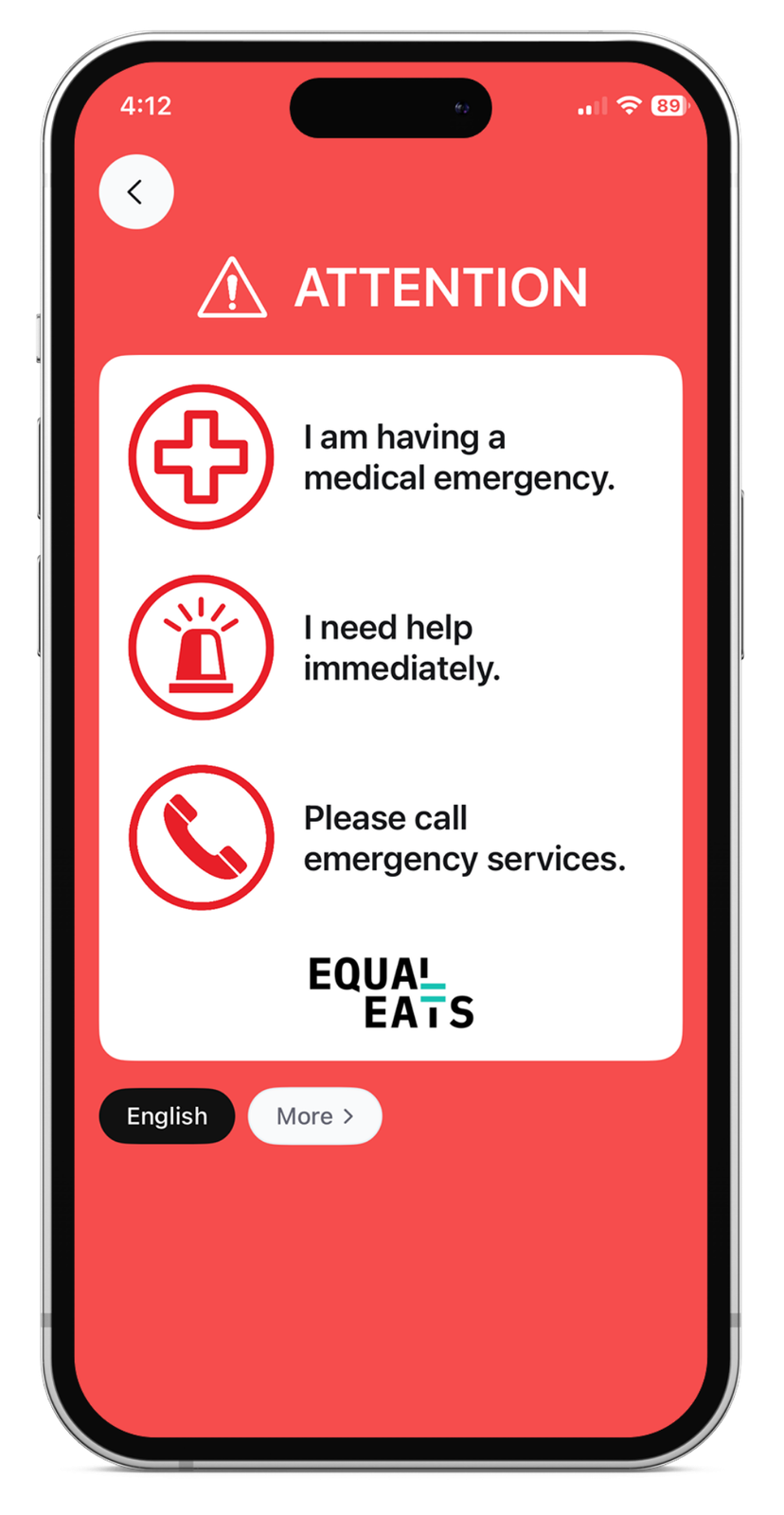
Keep dietary information close at hand. Access your saved cards without relying on a network or WiFi connection.
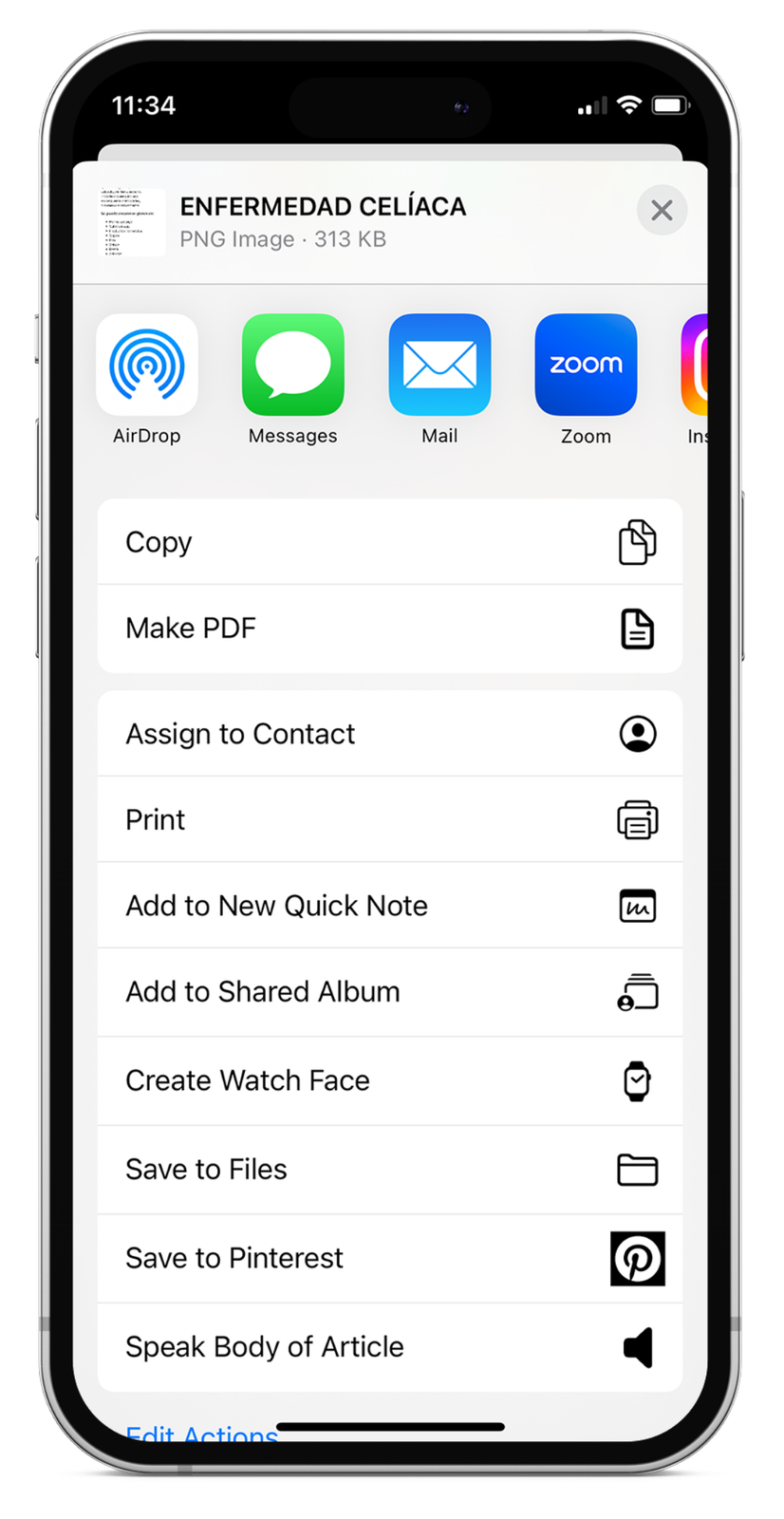
Keep dietary information close at hand and share cards with the people who need them.

Create personalized cards for food allergies, intolerances, celiac disease and special diets.
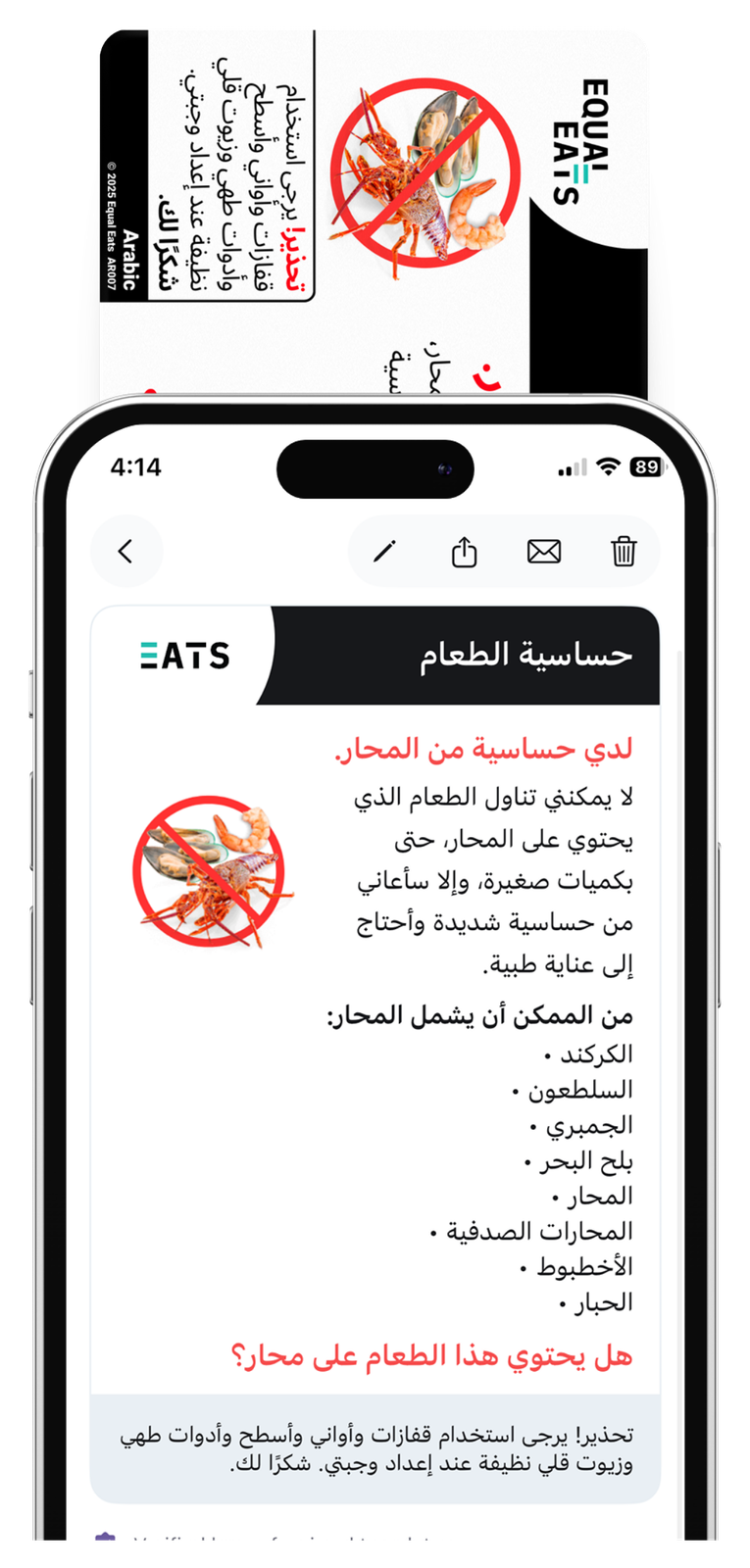
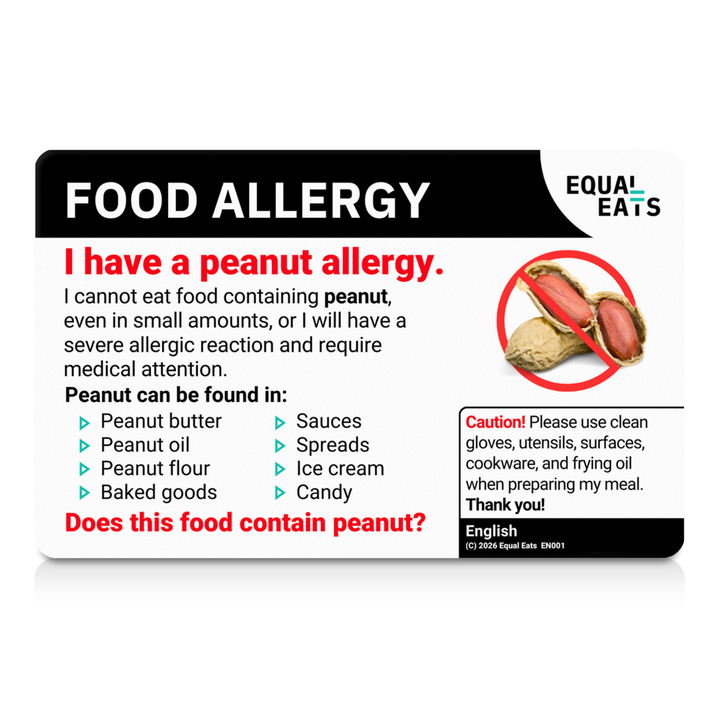
A physical card to keep in your wallet and hand to restaurant staff.
Website orders and the app are separate systems. Cards ordered on the website do not automatically appear in the app. Create your cards within the app.
Choose the language access that fits your plans.
$7.99 USD / £7.99
Access a selected language for one month.
$14.99 USD / £9.99
Unlimited access to all supported languages with a monthly subscription.
$34.99 USD / £24.99
Unlimited access to all supported languages with an annual subscription.
USD and GBP prices match the Apple App Store listings. Check your app store for local pricing and subscription terms. Cancel through your app store settings at any time.
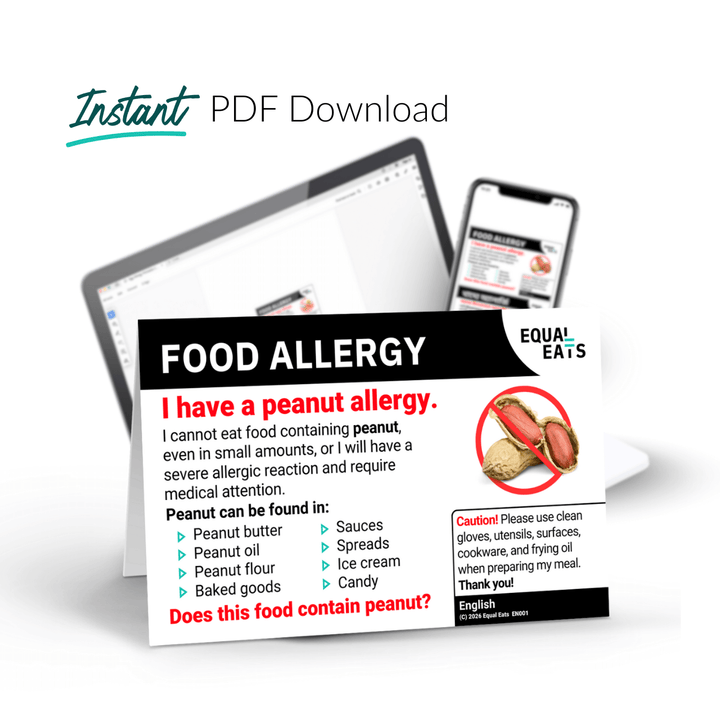
A PDF to show on your phone or print. A useful option when you prefer a downloadable card.
Create and manage multiple cards on your phone. English cards are free, with paid access to other languages.
Website orders and the app are separate systems. Cards ordered on the website do not automatically appear in the app. Create your cards within the app.
Great service and very easy app to navigate.
I love this app. I had a change in flights once going to Copenhagen instead of Paris, and didn't have allergy cards for Denmark. I was able to use the app instead and it helped so much!
Incredibly easy to create, save and share cards. The translation function makes it such an asset when travelling across borders.
Sorry! Not at this time. The app and ordered cards from our website are two different systems. You will have to create your cards within the app.
More languages will be added.
You can cancel your subscription at any time by going into your phone's "app store" and following these instructions.
Open the Settings app: Tap on the Settings app icon on your device's home screen.
Go to your Apple ID: At the top of the Settings menu, you'll see your Apple ID profile. Tap on it.
Go to Subscriptions: In the Apple ID menu, scroll down until you find the "Subscriptions"
option, then tap on it.
Find the subscription: In the Subscriptions menu, you will see a list of all your active and
expired subscriptions. Locate the app subscription you wish to cancel and tap on it.
Cancel subscription: You will now see details about the selected subscription including its current status and next billing date. To cancel the subscription, tap "Cancel Subscription" or "Cancel Trial" at the bottom.
Confirm the cancellation: You will get a pop-up asking you to confirm the cancellation. Tap "Confirm" to finalize the cancellation.
*Please note that the exact wording might be slightly different depending on the iOS version of
your device, but the overall process should remain the same.
Android:
On your Android device, go to subscriptions in Google Play.
Select the subscription you want to cancel.
Tap Cancel subscription.
Follow the instructions.
Yes! The app offers offline mode, where an internet connection is not required to access your saved cards.
The app is free to use for creating and sharing cards in English. If you would like to access your card(s) across our 58 available languages, you can select:
You can easily cancel at any time through your app store "subscriptions" settings.
Technology can be challenging for all of us sometimes, we recommend that you try these
simple steps:
Our app is free for all of our English cards. A paid subscription gives you unlimited access to all languages, any card, any language to share & save. You can add multiple cards within the app, each one can be for different people.
Yes! You can add multiple cards within the app, each one can be for different people. They can also use the app for free. It will just show their cards in English. The app is also "Family Sharing" enabled.
There is no option to save every card in a specific language. We offer a default language which the user can set up in the account settings and every card will be translated to that language automatically upon opening.
If you no longer need an account on the app, follow these easy steps:
After cancellation, you can still use the subscription until the end of the current billing cycle or free trial period with unlimited access to all languages, any card, any language. Free in English or to share & save.
You can also use the app for free. It will just show your cards in English only.
Contact us at support@equaleats.com we are always happy to help you travel safely!
Download Equal Eats for iOS or Android and create your first cards in English for free.